Low vision services and how to get a magnifier on the NHS
What low vision means, how to get a low vision assessment, what happens there, and the five ways a practitioner helps you make the most of the sight you have.
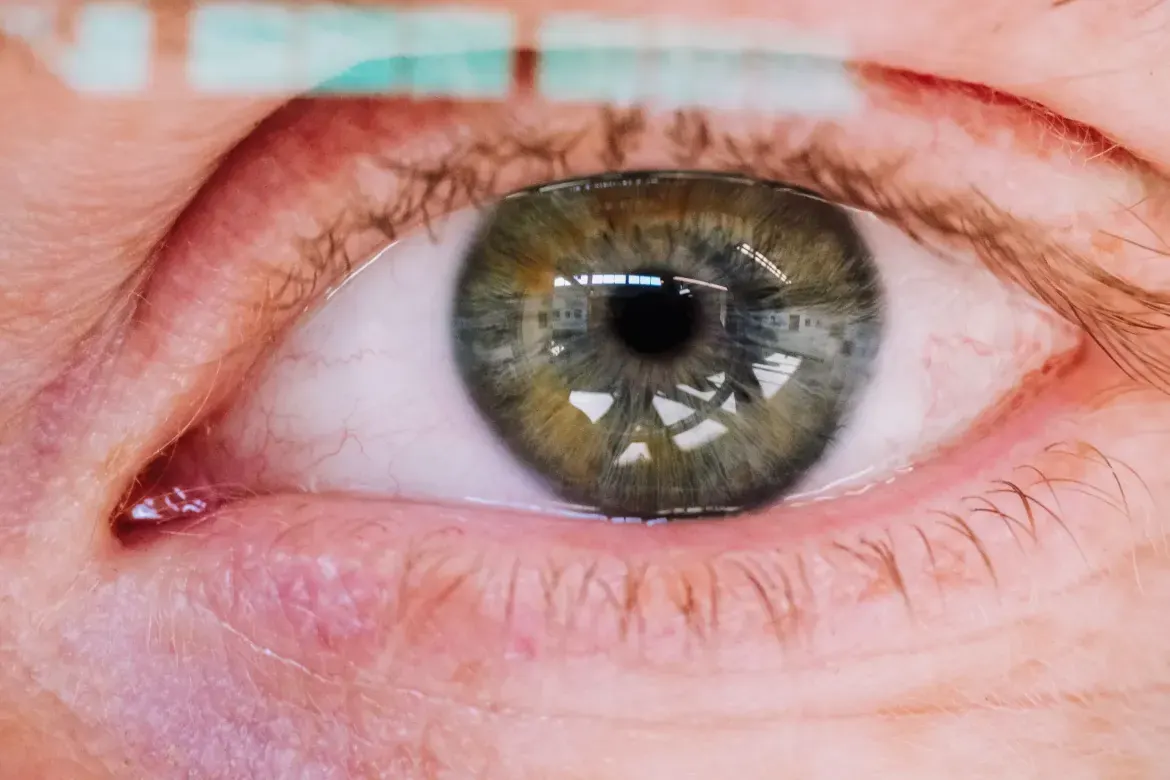
What low vision means
If your vision is causing difficulty with day-to-day activities despite the best glasses or contact lens correction, you have low vision. Your sight does not need to be bad enough for registration. Low vision services are provided by the NHS to help you make the most of the sight you have, by looking at what you find hard and recommending equipment or techniques.
How to get an assessment
Ask your eye doctor, optometrist or GP for a referral to the low vision service in your area. In Wales, the service is Low Vision Service Wales, run through local opticians. Elsewhere in the UK it is commissioned locally, so the provider varies: a hospital eye clinic, a community optometrist or a sight loss charity. RNIB can tell you who runs it near you on 0303 123 9999, or through its Sightline Directory. The practitioner may be an optometrist, an orthoptist, a dispensing optician or a low vision therapist.
What happens at the appointment
- A detailed talk about what you find difficult, the support you have day to day, and your health.
- An assessment of how well you see in the distance and for reading.
- A measurement of which magnification works best for distance and for reading.
- A demonstration of magnifying devices to find the best one, or a decision to use technology instead.
- Help to learn how to use any device you are prescribed.
- A discussion about other services: emotional support, rehabilitation such as mobility training, and local charities.
Five ways to make the most of your sight
RNIB groups the help into five words. A low vision assessment works out which combination suits each task.
- Bigger
- Large print, bigger fonts on screens, magnifying glasses or telescopes. Stronger magnifiers mean a shorter working distance, which is why the practitioner works out the minimum power you need for each task and teaches you to use it. Electronic magnifiers and phones suit some people better because of their longer working distance and range of magnification. NHS-funded magnifiers mean you should not need to buy one.
- Brighter
- Most people with sight loss benefit from more and better light: even, diffused light through the home, plus task lighting for reading or chopping vegetables. A rehabilitation officer from social services can visit to assess your lighting. If light makes vision worse, tinted wraparound glare shields help, and the only way to choose a tint is to try them in the situation which causes trouble.
- Bolder
- Contrast: black on white is the strongest, but any contrasting pair works. A dark chopping board for pale vegetables, cups which stand out from the table, door frames which contrast with walls, a duvet which contrasts with the carpet, a bold felt tip and a notebook with thick lines.
- Audio
- When magnification is too tiring, audio takes over: Talking Books, talking microwaves, talking glucose monitors and the screen reader built into every phone.
- Tactile
- Bump-ons for cooker dials so you do not lean over a hot surface, tactile paving at crossings, and long or guide canes. The practitioner can refer you to social care for mobility training with a rehabilitation officer.
While you wait for the appointment
- Turn up the text size and contrast on your phone and computer. Settings which help, by device
- Put a lamp where you read, pointed at the page rather than your eyes.
- Ask the eye clinic whether it has an Eye Care Liaison Officer (ECLO), who can start the other support now.
- Call a helpline. The RNIB line is free and the Macular Society and Glaucoma UK run their own.
Common questions
Do I need to be registered to use a low vision service?
No. RNIB is clear: your sight does not need to meet the level for registration. If sight is causing difficulty with daily activities despite the best glasses or contact lenses, you have low vision and can be referred.
Do I have to pay for a magnifier?
No. You are entitled to magnifiers funded by the NHS when they are prescribed by a low vision practitioner. RNIB advises against buying magnifiers in shops or online for the first time, because the power and working distance need matching to your task.
Who provides the service where I live?
It depends. In Wales it is Low Vision Service Wales. Elsewhere the service is commissioned locally. Ask your eye doctor, optometrist or GP for a referral, or call the RNIB helpline on 0303 123 9999.
Sources
Checked 4 October 2026. Official pages change, so follow the NHS page for the current position.
- Written by
- The Omnirx.io team, from the NHS pages above
- Sources checked
- Page updated
- Next review due
- Clinical review
- Not yet
Was this page useful?
Cite this page
Glanced (2026) Low vision services and how to get a magnifier on the NHS. Omnirx.io team for Medstack Ltd. Available at: https://www.glanced.co.uk/nhs/low-vision/ (Accessed: ).
Educational information, not medical advice. Your own eye-care team's advice comes first.